





Make an offer
Pay what feels good.
Bid on selected full-price shoes. Choose your price, submit your offer and get an instant response.
Look for the Bidit button on eligible shoes
Spot it. Bidit.
If a shoe is eligible, you'll see Bidit directly underneath Add to Cart.
Step 1 · Look for this

Step 2 · Name your price

That's pretty much it.
No discount codes. No waiting for a sale.
1
Pick your price
Use the slider to choose what you'd like to pay.
2
Submit your bid
You get up to two bids on each eligible product.
3
Get your answer
If your offer works, it's accepted instantly. If not, try again or you may receive a counter-offer.
What can I bid on?
Easy rule: if you see the Bidit button, you can make an offer.
You might find Bidit on
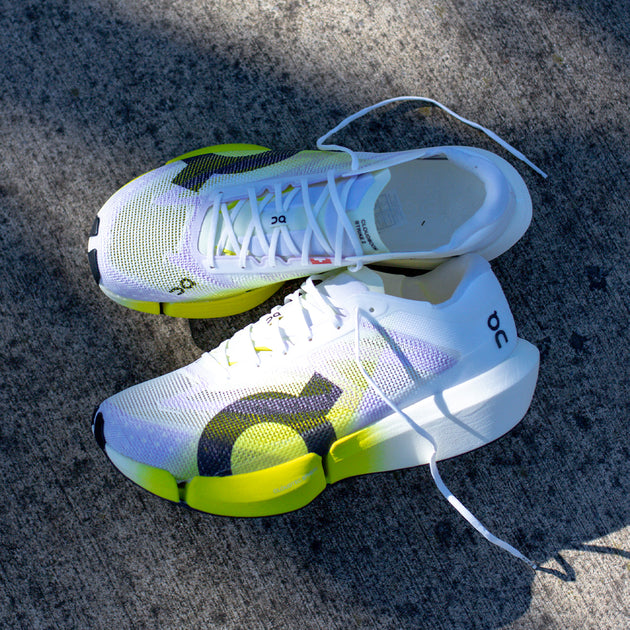
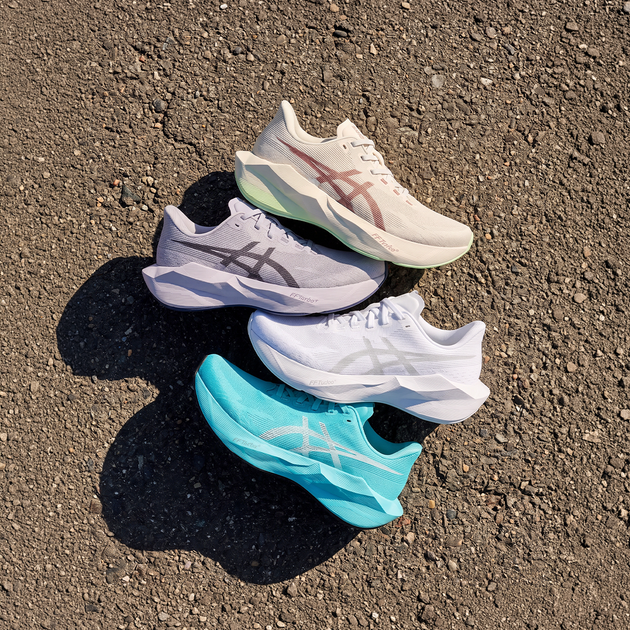
- Select full-price running shoes
- Select styles and colourways
- Select Apparel and Accessories
You generally won't find it on
- New releases
- Products already on sale
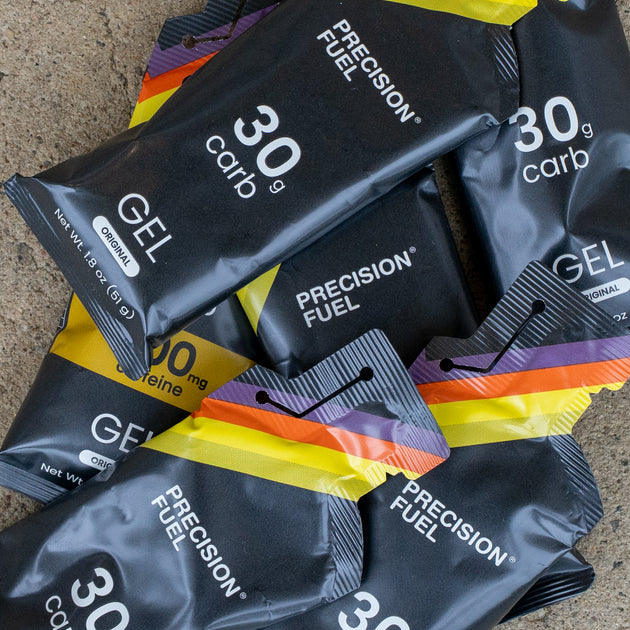
- Nutrition
- Select high-demand products
Quick questions.
How many bids do I get?
Two bids per eligible product.
Is my offer guaranteed to be accepted?
No. Each product has its own accepted price range, so some offers will be declined.
What happens if my bid is declined?
You can use your remaining bid to try again. You may also receive a personalised counter-offer.
Can I Bidit in store?
Bidit is currently an online feature on eligible Pace Athletic product pages.